

Our New Feature: Inc GST and Ex GST
View Prices With or Without GST
Bowens recently rolled out a key update to our pricing system to give customers more transparency and flexibility when it comes to GST. Whether you’re a trade or retail customer, you’ll now be able to choose whether you want to view product pricing excluding GST (ex GST) or including GST (inc GST).
It’s a feature that was a lot harder than just slapping a “times 1.1” button on every page. But in an industry where pricing clarity matters, this is a major win.
Why the change?
By default, all prices on our website include GST to comply with Australian Competition and Consumer Commission (ACCC) requirements. However, for trade customers, ex GST pricing is often the preference. When running a business, GST is a pass-through cost—something you claim back at the end of the financial year.
“Customers can flip between Inc or Ex GST pricing with one click in their Online Account. We’ve also made sure everything remains ACCC-compliant, with clear GST breakdowns shown at checkout and on invoices,” Yash Desai, Bowens eCommerce Manager said.
Here’s what this means for you:
- No need to reverse-calculate GST from Inc prices
- Contractors who can calculate margins on the spot
- Less back-and-forth with our team over the final figure.
What will I see by default?
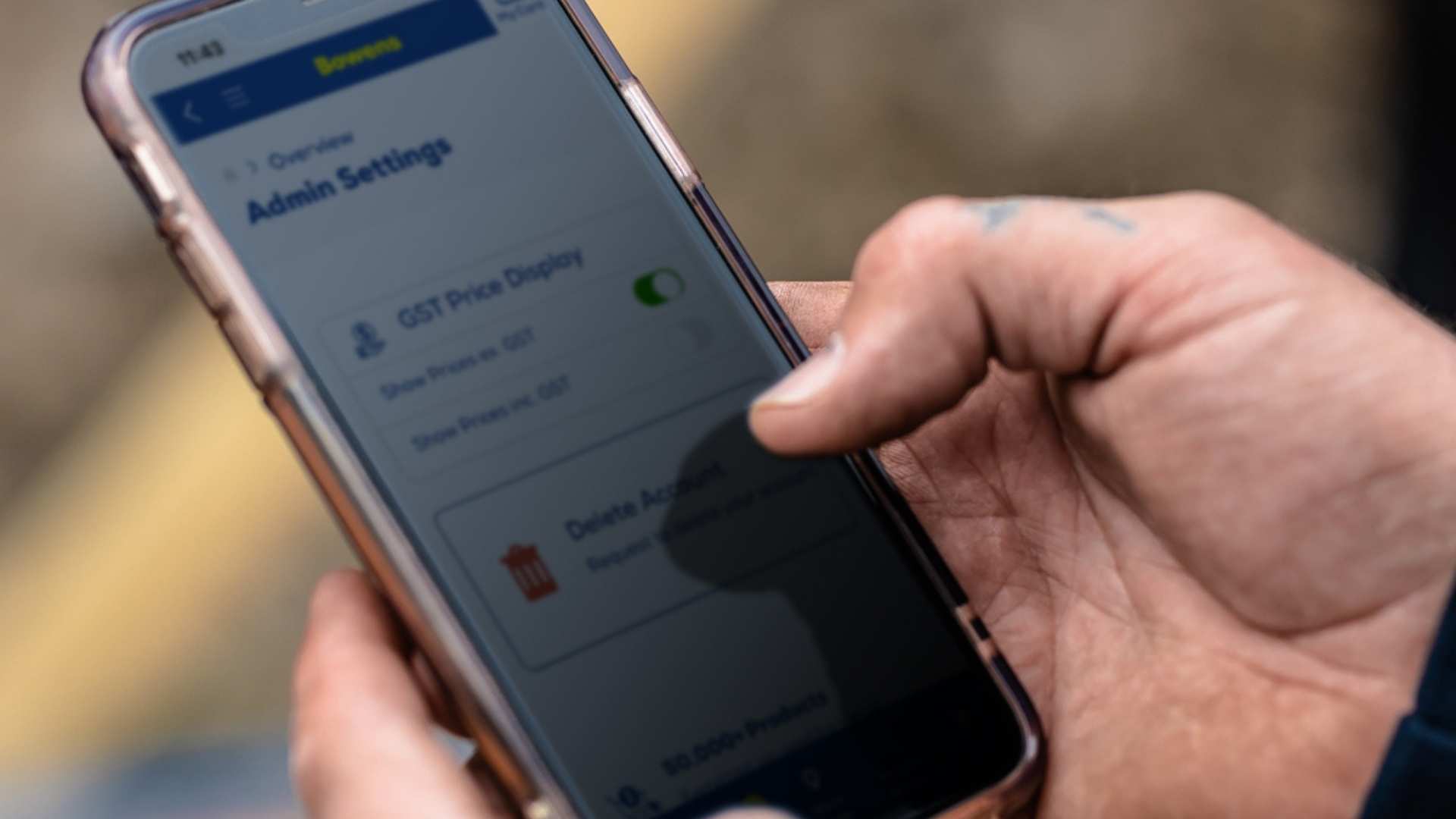
Here’s the default setup:
- Trade Credit Customers: If you have a trade account with credit, you’ll now see ex GST pricing by default. This reflects your business needs more accurately. You’ll also notice a small banner indicating “All prices exclude GST” across the site.
- Cash and Guest Customers: If you’re logged out or using a Bowens Benefits account (without trade credit), your pricing will default to Inc GST. However, you can still toggle the setting to ex GST anytime under your account preferences.
- Logged-out users: You will see Inc GST.
This default view can be changed anytime in the My Account section.
Here is what you’ll see in your cart;
- The ex-GST price
- The GST amount
- The total including GST.
“Not all people in the trade want to see a price ex GST… some of them prefer to see what they will be paying at the end, and that’s totally fine—you can flip the switch back whenever you like,” Yash said.
Technical Challenges
Behind the scenes, this wasn’t an easy switch. Certain products like NDIS-approved items, handrails, or bottled water—don’t attract GST. Our website developers had to account for this while also ensuring our custom pricing system ran smoothly without affecting site speed.
This update is all about giving the customer control of their account. Trade customers can now see the ex-GST prices, while retail customers can keep it simple with GST included.
So, whether you’re building, browsing, or buying—now you can do it your way.
Have you tried switching your GST view yet? Log in to your account to do it today. If you have any issues, feel free to contact your account manager or our team at [email protected].
Bowens Benefits
A loyalty account that gets you 5% off every shop
Ready to sign up?
Already have an account?
Login hereTrade Account
Custom pricing, 30-day trade credit + more
Ready to apply?
Already have an account?
Login here